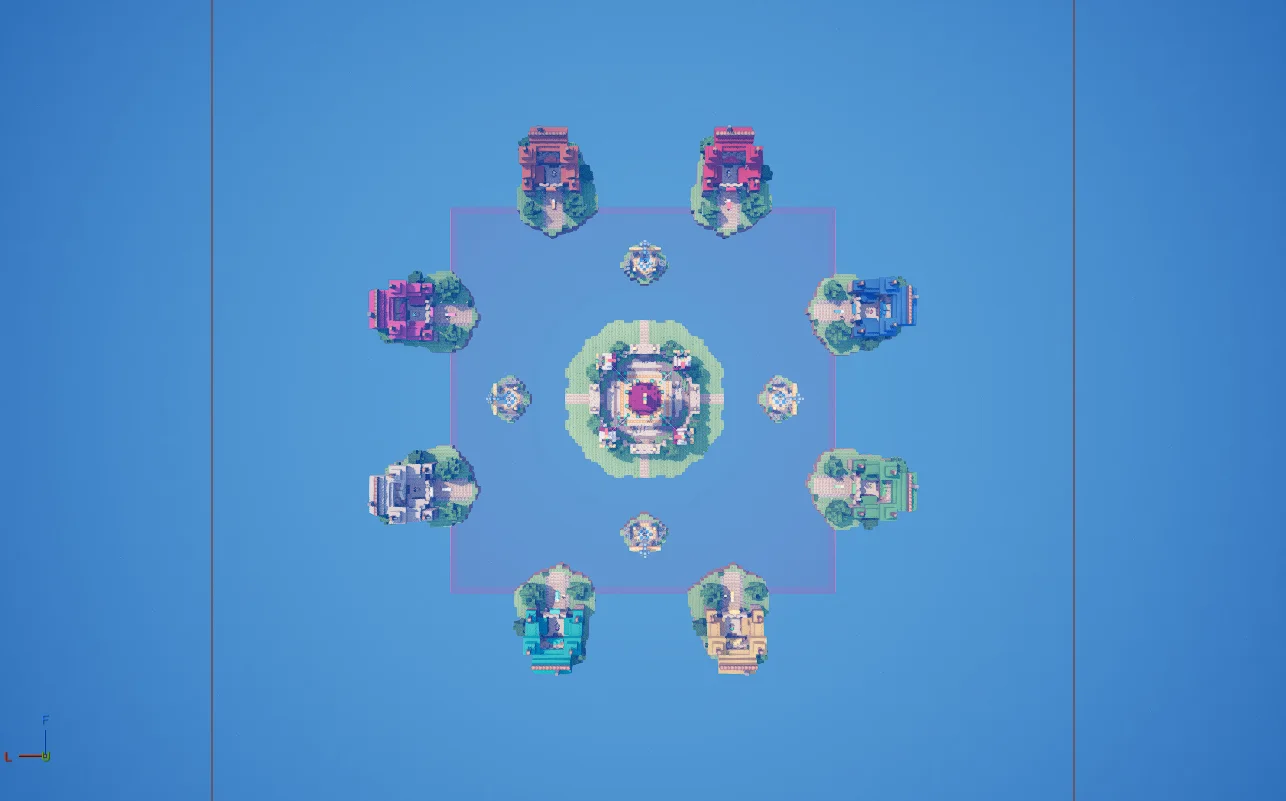
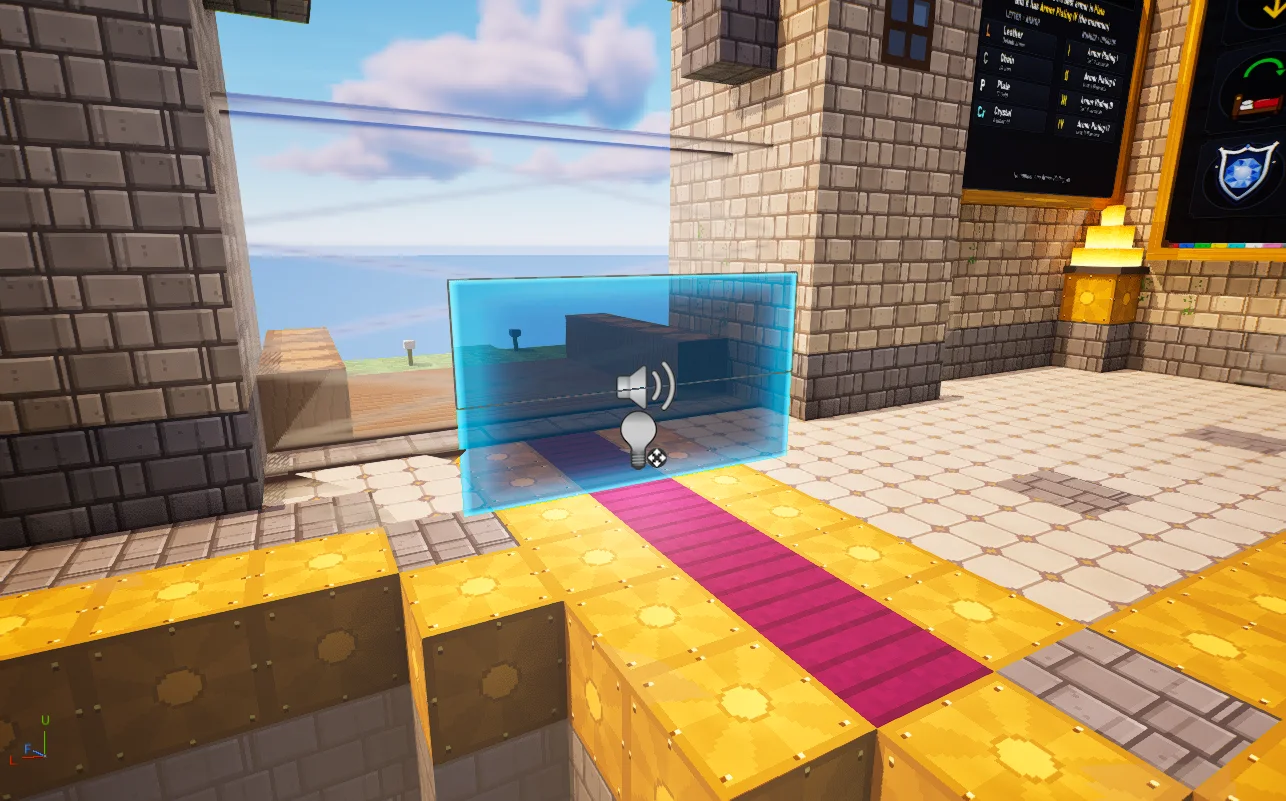
UEFN (Unreal Editor for Fortnite) is Epic's editor for making your own Fortnite games, called islands. Game logic is written in Epic's Verse programming language, and ready-made devices are placed on the map, such as spawn pads, timers and vehicles, whose settings and bindings are edited in the editor. MCP (Model Context Protocol) is an interface through which an AI assistant can use a program's tools directly: read and change level objects, import assets, compile Verse code and start a test game.
In the project's first session (27 September 2026) Claude found the project folder MyProjectF, but at first assumed that Epic had no official MCP server and installed a community-made one. The developer corrected it: UEFN has its own built-in MCP, which requires two editor settings (Python Editor Scripting and UEFN MCP Toolsets). Claude checked this, created a .mcp.json file in the project root pointing to http://127.0.0.1:8000/mcp and removed the unneeded community server. The connection became available in the next Claude session.
Epic's MCP groups its tools into toolsets that are called by name, for example VerseToolset.BuildAll (Verse compile), SessionToolset.StopGame, GetGameState and PushChanges (test session control), DeviceToolset.SetClassicDeviceOption (device settings), StaticMeshTools.import_file and TextureTools.import_file (imports), AssetTools.save_assets, SceneTools.save_actor and SceneTools.trace_world (saving and ray traces) and ObjectTools.set_properties (editing any property). In practice all device placement, settings and asset imports were done through these, and the developer did by hand in the editor only what the tools could not reach.